
In today’s digital world, remote access has become essential for businesses, developers, and individuals. One of the most widely used technologies for remote computing is an RDP server. But what exactly is it, and why is it so popular?
What is an RDP Server?
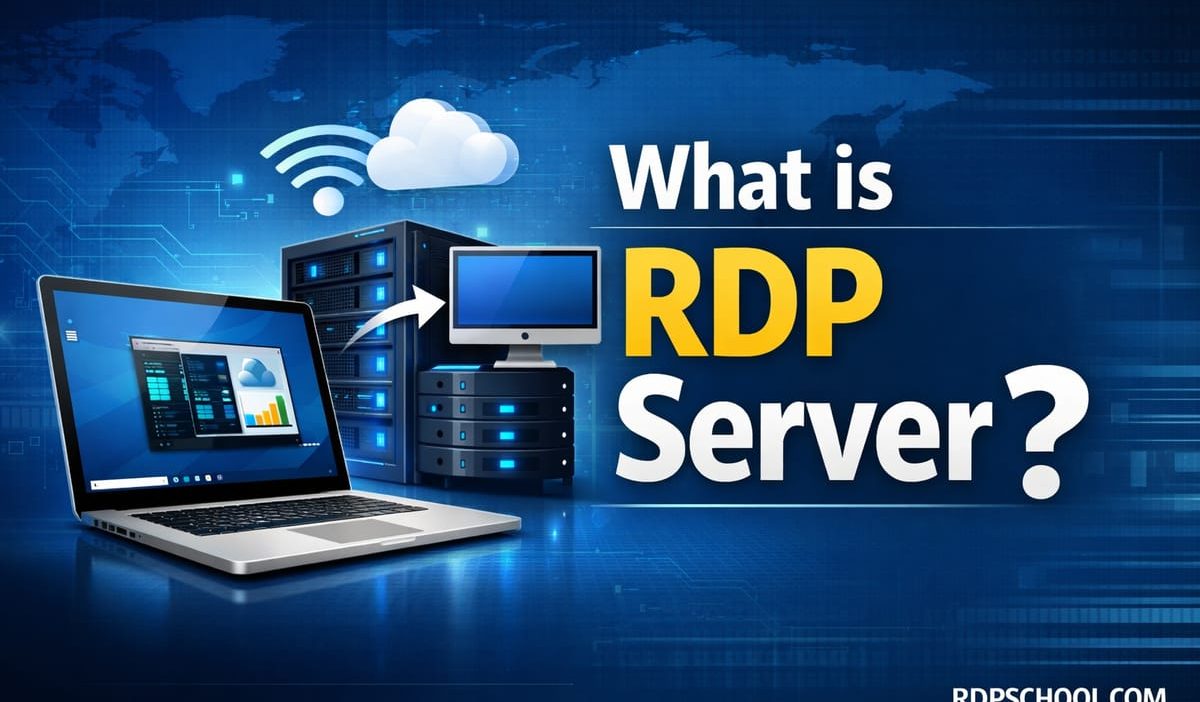
An RDP (Remote Desktop Protocol) server is a system that allows users to remotely connect to another computer or server over the internet and control it as if they were physically present. Developed by Microsoft, RDP is commonly used with Windows servers and desktops.
In simple terms, an RDP server lets you access files, run applications, and manage systems remotely from anywhere in the world.
How Does an RDP Server Work?
RDP works by transmitting the graphical interface of the remote computer to your local device while sending your keyboard and mouse inputs back to the server.
- Host (Server): The remote machine you want to access
- Client: Your local device (PC, Mac, mobile)
- Connection: Established using IP address and login credentials
Key Features of RDP Servers
- Full desktop access remotely
- Secure encrypted connections
- File and printer sharing
- Multi-user access support
- High performance for remote tasks
Common Use Cases of RDP Servers
RDP servers are widely used across different industries. Here are some practical applications:
- Remote Work: Access office systems from home
- Server Management: Manage hosting environments
- Trading & Automation: Run bots 24/7
- Development: Test apps on remote machines
- Data Processing: Use high-performance servers remotely
RDP Server vs Local Computer
| Feature | RDP Server | Local Computer |
|---|---|---|
| Access | From anywhere | Physical presence required |
| Performance | High (depends on server specs) | Limited to device hardware |
| Availability | 24/7 uptime | Depends on usage |
Advantages and Disadvantages
✔ Advantages
- Work from anywhere
- Centralized data storage
- Scalable resources
- Improved security
✖ Disadvantages
- Requires stable internet
- Latency issues possible
- Initial setup complexity
- Security risks if misconfigured
How to Access an RDP Server
To connect to an RDP server, you’ll need an RDP client. Here are some official tools:
- Windows: Download Remote Desktop Client
- Mac: Download Microsoft Remote Desktop
- Android: Download from Google Play
- iOS: Download from App Store
Is RDP Server Secure?
Yes, RDP servers are secure when configured properly. They use encryption and authentication protocols. However, for maximum security, it’s recommended to:
- Use strong passwords
- Enable Network Level Authentication (NLA)
- Use a VPN
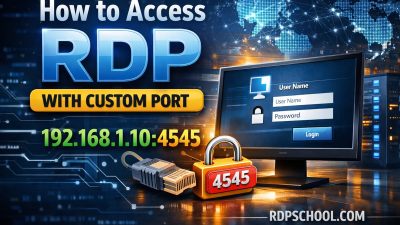
- Change default RDP port (3389)
Choosing the Right RDP Server
When selecting an RDP server, consider factors like speed, uptime, location, and support. Many professionals prefer high-performance providers such as rdpschool.com, which offers optimized RDPs and dedicated servers tailored for performance-heavy tasks like trading, automation, and remote work.
Conclusion
An RDP server is a powerful tool that enables seamless remote access to computers and servers. Whether you’re working remotely, managing systems, or running automated tasks, RDP provides flexibility, efficiency, and scalability.
As remote work continues to grow, understanding and utilizing RDP servers can give you a significant advantage in productivity and accessibility.